CSS inspector
See the CSS, font and color of any element.
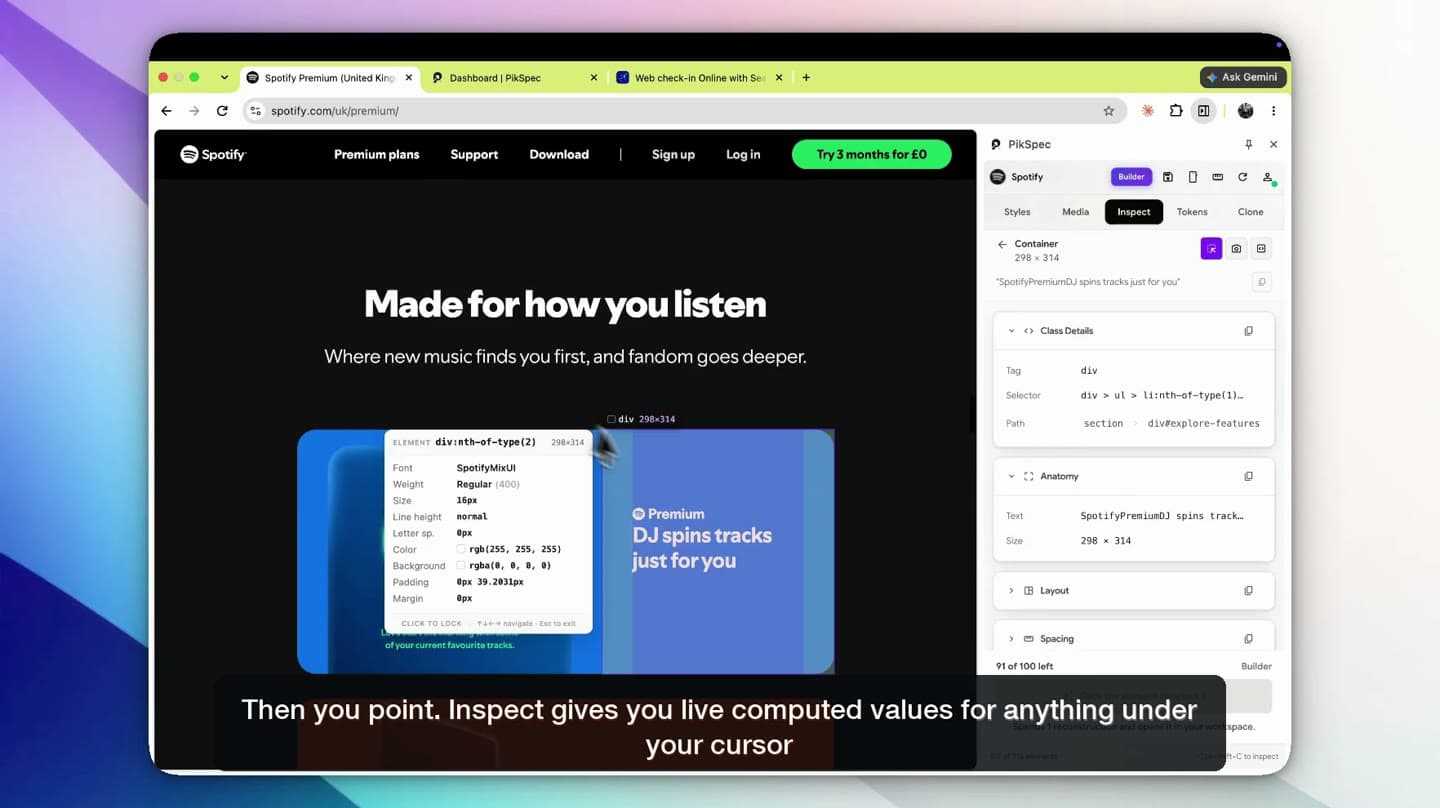
Click any heading, button or card to read its font, size, spacing, color and effects, then copy the CSS you need. No DevTools.
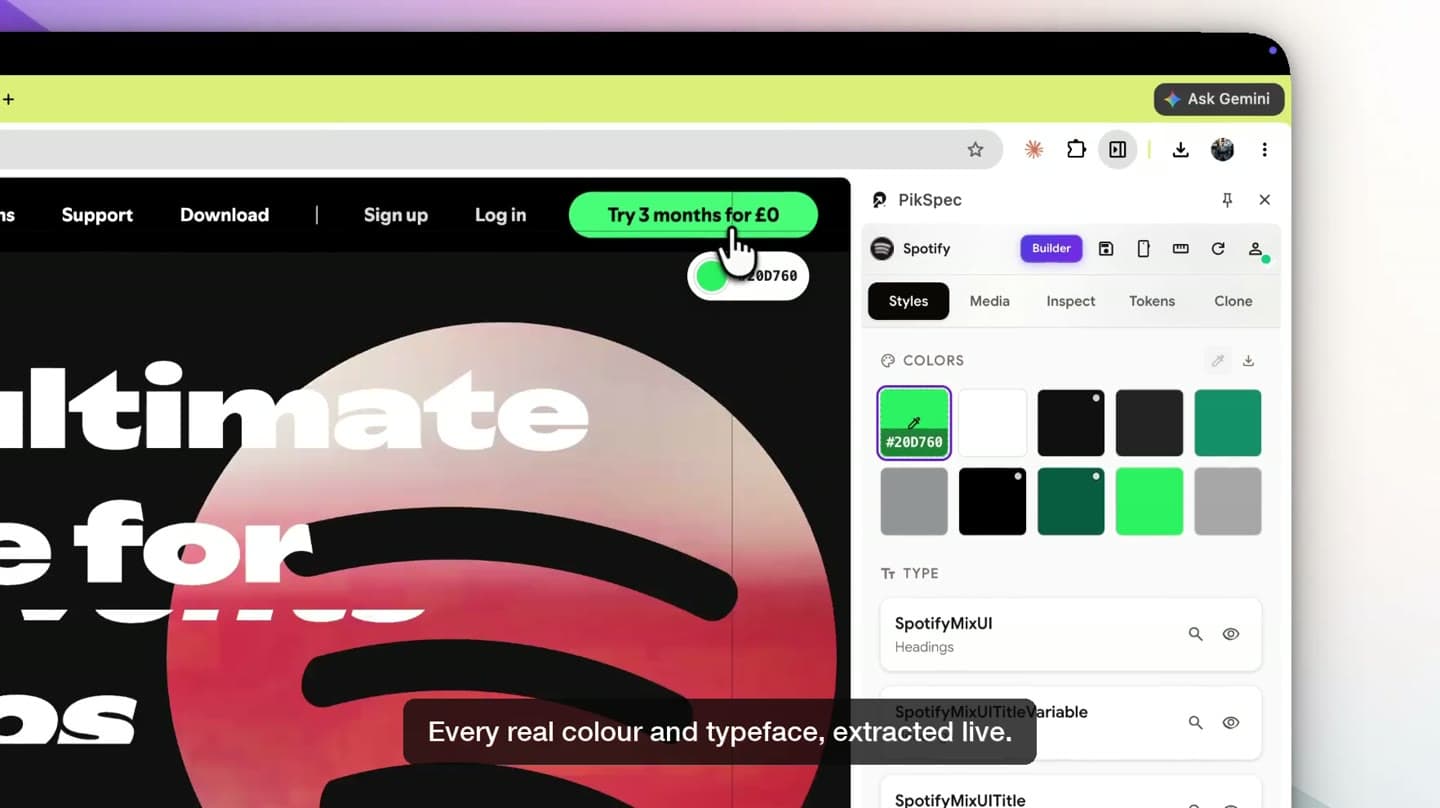
Extract any website’s colors, fonts, and design tokens.
Use them to build with your favorite AI tools.
 Claude Code
 Cursor
 v0
v0 CodexCodex
 Windsurf
 GitHub Copilot
CSS inspector
Click any heading, button or card to read its font, size, spacing, color and effects, then copy the CSS you need. No DevTools.
Design tokens
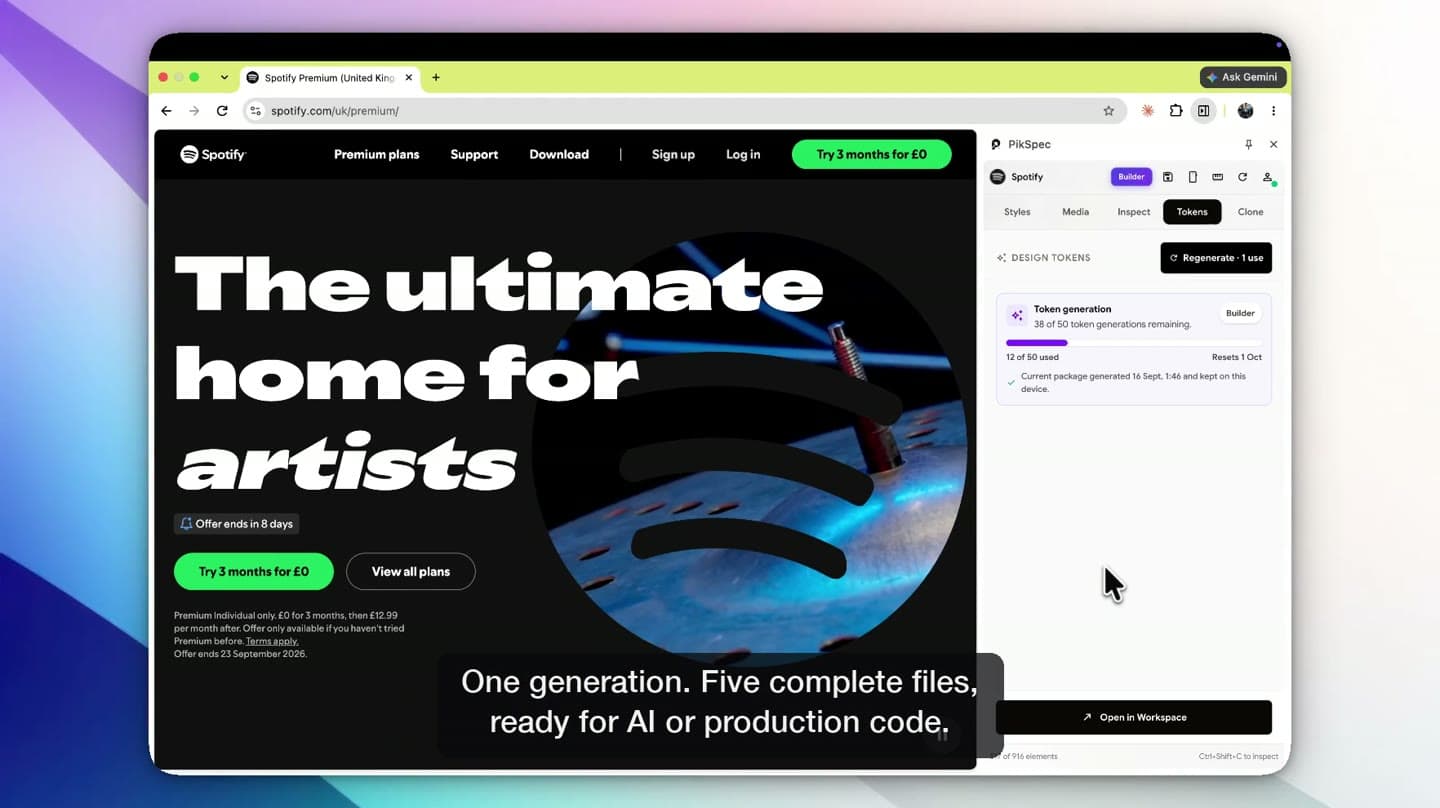
Colors, type scale, spacing, radius and shadows as DESIGN.md, Tailwind, CSS variables, SCSS and JSON, ready for Claude Code and Cursor.
Page clone
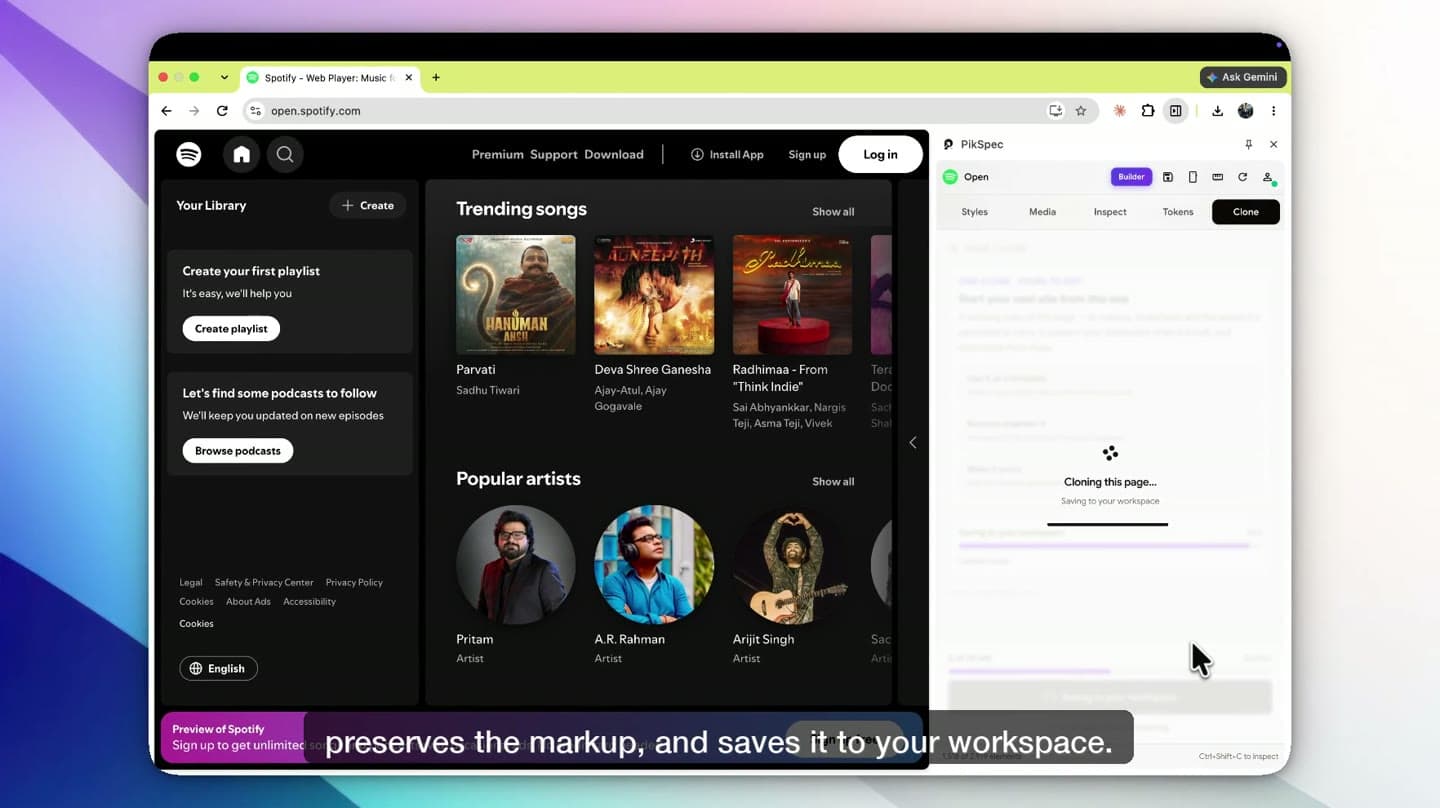
Keep a static copy of a page you love, with its layout, styles and media, so you and your AI tools can study how it is put together.
This example shows the format, not a promised count. Your pack contains only values recorded in the approved capture.
44 / 400 / -1.0832 / 400 / -0.4816 / 400 / -0.1612 / 500 / 048121624324812202px8px16px28pxChoose your role to see how a Design Pack replaces guesswork with usable design evidence.
A screenshot shows the surface. A Design Pack explains the type scale, spacing rhythm, component patterns, and constraints behind it.
Inspect the visible page in one pass instead of searching for values one element at a time.
Review its color roles, type scale, spacing, elevation, and reusable patterns as one connected system.
Use observed tokens and component guidance as a documented starting point, then adapt them for your own product.
Study the typography, spacing, contrast, motion, and layout choices that make a page feel considered.
Save captures and compare how different products solve the same visual and interaction problems.
One extension
A CSS inspector, font finder, color picker and design system extractor that work together, so you can go from a site you admire to your own build.
Font, size, spacing, color and effects in plain groups, with every property searchable and copyable.
Every font family and the full type scale, including the font that actually rendered.
Exact values grouped by role: background, text, border and action. No eyedropper guesses.
Color roles, type scale, spacing rhythm, radius and shadows, documented in one place.
CSS custom properties, a Tailwind v4 theme, SCSS and JSON from one generation.
A DESIGN.md that Claude Code, Cursor, v0 and Lovable follow instead of guessing.
Package a navbar, card or hero as a reconstruction prompt for your AI coding tool.
Media, a ruler, phone and tablet previews, and a saved page clone to come back to.
Questions
How to find what any website is made of, and what PikSpec does with it.
See pricingPikSpec is a Chrome extension for understanding how websites are designed. It is a CSS inspector, font finder, color picker and design system extractor in one side panel. You can inspect any element, see every font and color a page uses, export design tokens and a DESIGN.md for AI coding tools, and save a page to study later.